Build Alpha MCP: Trading Research
Run by Your AI Agent
Connect Claude Desktop, Claude Code or Codex to Build Alpha. Describe the research in plain English and your agent configures the search, runs the robustness tests, simulates prop firm challenges and exports the code.
What is Build Alpha MCP?
Build Alpha MCP is a Model Context Protocol server that lets an AI agent operate Build Alpha. Once connected, Claude or Codex can configure strategy searches, build custom signals, run robustness tests, simulate prop firm challenges and export strategy code to NinjaTrader, TradeStation, MultiCharts, MetaTrader, TradingView, ProRealTime or Python, either by setting up the Build Alpha interface for you or by running Build Alpha headless.
What MCP is, and why it matters for trading research
MCP (Model Context Protocol) is the open standard AI apps use to connect to outside tools. On its own, a chatbot can talk about trading strategies. It cannot backtest them on clean data, run a Monte Carlo permutation test or write NinjaScript that compiles. With MCP, the agent calls software that can.
That is the right split of work. Language models are good at turning a vague idea into a precise configuration. They are bad at judging whether a backtest is real. Build Alpha MCP gives the agent the first job and keeps the second one in Build Alpha's statistical tests.
Prompt the GUI, or go fully headless
Use whichever fits how you work. Switch any time.
Set up the interface with a prompt
Describe the search you want and the settings fill in inside Build Alpha. Forget where a setting is? Ask Claude. Then go back to the interface and keep working the way you always have.
Run Build Alpha without the interface
Want agents to use Build Alpha and never look at the interface? Run it headless and let the agent configure, run, filter and export on its own, including long overnight searches.
What your agent can do in Build Alpha
Through MCP, an agent has the same research workflow you do.
- Configure a search end to end
- Create custom signals or entries
- Work with the full signal library
- Add custom data and symbols
- Run genetic search and portfolio search
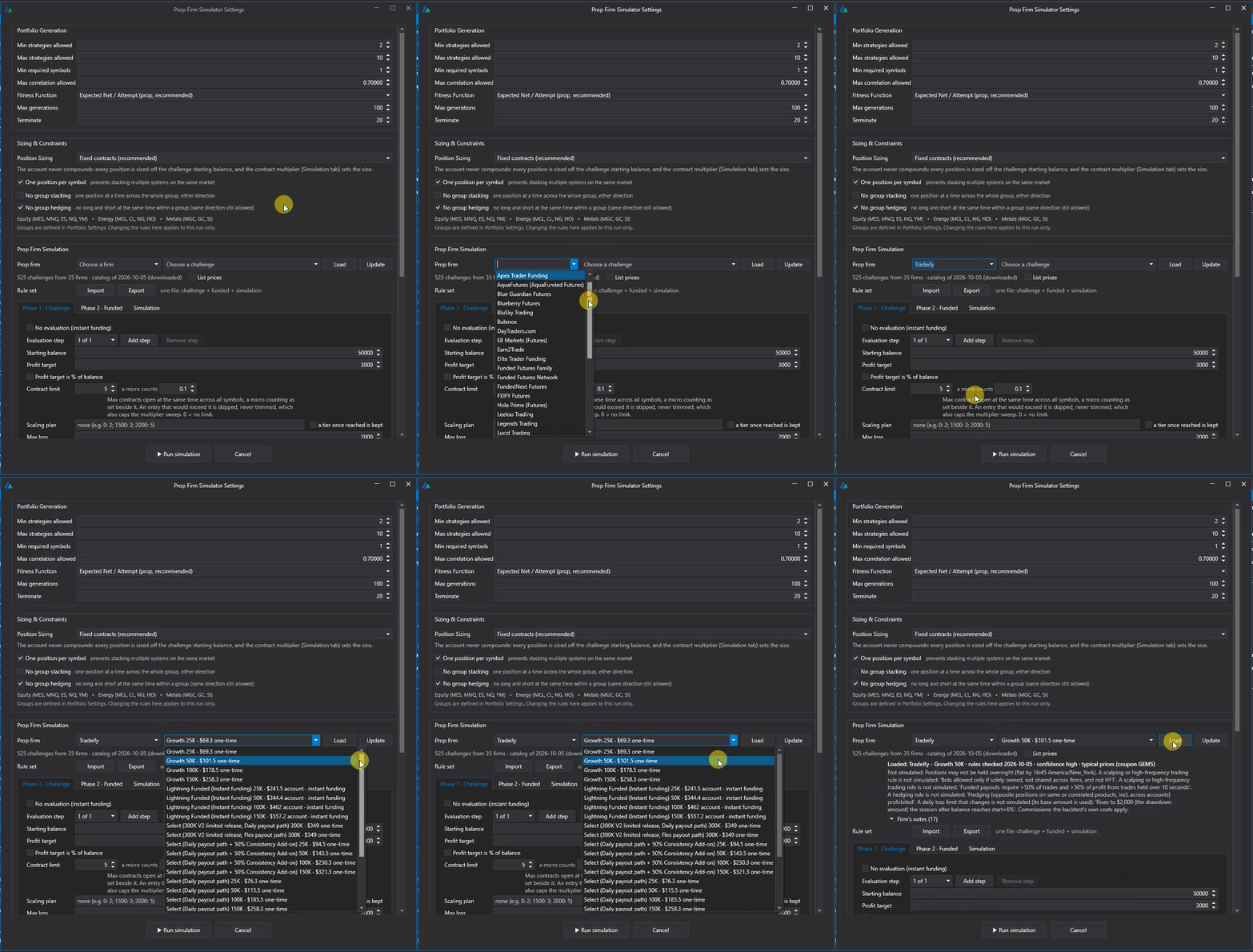
- Run the Prop Firm Simulator and portfolio simulation
- Set Automated Filters and Workflows
- Set Sequence Workflows with robustness gates
- Export trade lists
- Export strategy code to your platform
The agent does the clicking. The gates do the judging.
Pair an agent with Sequence Workflows and your robustness gates, and Build Alpha only surfaces strategies that survive every test you set: out-of-sample, Vs Random, the Noise Test, Monte Carlo permutation and more. That is the difference between an AI that invents plausible strategies and an AI that runs a disciplined research process.
From a quick idea to an overnight search
Three examples from opposite ends of the research spectrum.
Test a quick idea
Test this idea on ES 60-minute bars from 2010 to today: go long when the close is below the lowest close of the prior 5 bars and the 200-bar SMA is rising. Exit after 4 bars or at a 2 ATR stop. Show me the equity curve, profit factor, trade count and max drawdown, then run the Noise Test and Vs Random on it.
Run a massive search with robustness gates
Run a genetic search on ES, NQ, CL and GC 60-minute bars from 2010 to one year ago from today. Use the full signal library plus COT and VIX contango data, max 3 rules, long strategies, fitness Net PNL. Set up a 3-round Sequence Workflow: round 1 keeps strategies with 300+ trades and positive P&L/DD above 4; round 2 requires passing Vs Random and the Noise Test; round 3 requires a final out-of-sample period on the last year of data with passing strategies showing net profit. Advance when 500 strategies pass round 1 or after 8 hours. Export trade lists and NinjaTrader code for every survivor to my Research folder.
Forget where a setting is? Ask.
Where do I change the date range and out-of-sample period for round 2 of my Sequence Workflow?
Then go back to the interface and keep working. Or never touch it at all.
Getting connected
The Build Alpha MCP server runs locally alongside Build Alpha, so use a desktop or command-line client:
- Claude Desktop
- Claude Code
- Codex (the Codex CLI, IDE extension and ChatGPT desktop app share one MCP configuration)
Add the Build Alpha server to your client's MCP settings and start prompting. Other clients that support local MCP servers connect the same way. Setup details are in the Build Alpha 3.2 update notes.
MCP vs the LLM Orchestrator
In Build Alpha 3.1, the LLM Orchestrator let Build Alpha call an AI model to tune AutoTune between rounds. Build Alpha stayed in charge and the model advised. MCP flips that around: your agent is in charge, and Build Alpha is the research engine it calls.
Does the AI trade live?
No. The agent works during research only. Strategies export as native code and run as deterministic rules on your platform, with no dependency on an AI connection. You always know exactly what your strategy will do.

Build Alpha MCP: common questions
What is the Build Alpha MCP?
A Model Context Protocol server that connects AI agents such as Claude Desktop, Claude Code and Codex to Build Alpha. Once connected, an agent can configure strategy searches, build signals, run robustness tests, simulate prop firm challenges, set workflows and export strategy code, either by setting up the Build Alpha interface or by running Build Alpha headless.
Which AI apps can connect to Build Alpha?
Claude Desktop, Claude Code and Codex (the Codex CLI, IDE extension and ChatGPT desktop app share one MCP configuration). The server runs locally alongside Build Alpha, so use a desktop or command-line client. Other clients that support local MCP servers can connect the same way.
Can I use Claude or ChatGPT to build and test trading strategies?
Yes, through Build Alpha MCP. The agent describes and configures the research, and Build Alpha does the actual work: genetic strategy search on real market data, robustness tests such as Monte Carlo permutation, Vs Random and the Noise Test, prop firm simulation and code export. The agent does the clicking; Build Alpha's robustness gates do the judging.
Can I run Build Alpha headless with an AI agent?
Yes. Let the agent set up the interface while you watch, or run Build Alpha headless so the agent configures, runs, filters and exports without the interface ever opening.
Does the AI trade live?
No. The agent works during research. Strategies export as native code to NinjaTrader, TradeStation, MultiCharts, MetaTrader, TradingView, ProRealTime and Python for Interactive Brokers, and run as deterministic code with no dependency on an AI connection.
How is Build Alpha MCP different from the LLM Orchestrator?
With the LLM Orchestrator, Build Alpha calls an AI model to tune AutoTune between rounds, so Build Alpha stays in charge. With MCP, your agent is in charge and calls Build Alpha as its research engine. Use whichever fits how you work.
Is an AI-generated trading strategy reliable?
Not on its own. A language model can write rules that look sensible and backtest well by luck. Build Alpha MCP keeps the AI on configuration and puts the verdict in statistical tests: out-of-sample periods, Vs Random, the Noise Test and Monte Carlo permutation, set as Sequence Workflow gates so only strategies that pass every test are surfaced.
How does Build Alpha compare with StrategyQuant X?
Both generate and test trading strategies, and both now offer an MCP server. They differ in price, robustness tests, export platforms and what an AI agent can do. See the full Build Alpha vs StrategyQuant X comparison.
Trading research on a new level
Build Alpha MCP and the Prop Firm Simulator are included with every lifetime license.