TradingView Strategy Generator:
Build, Test & Deploy Pine Script
Most “strategy builders” focus on writing code — not on proving the strategy is robust. Here’s a better workflow.

Definition
What Is a TradingView Strategy Generator?
Any tool or workflow that helps you define rule-based entries and exits, backtest on historical data, optimize parameters, and export a working strategy.
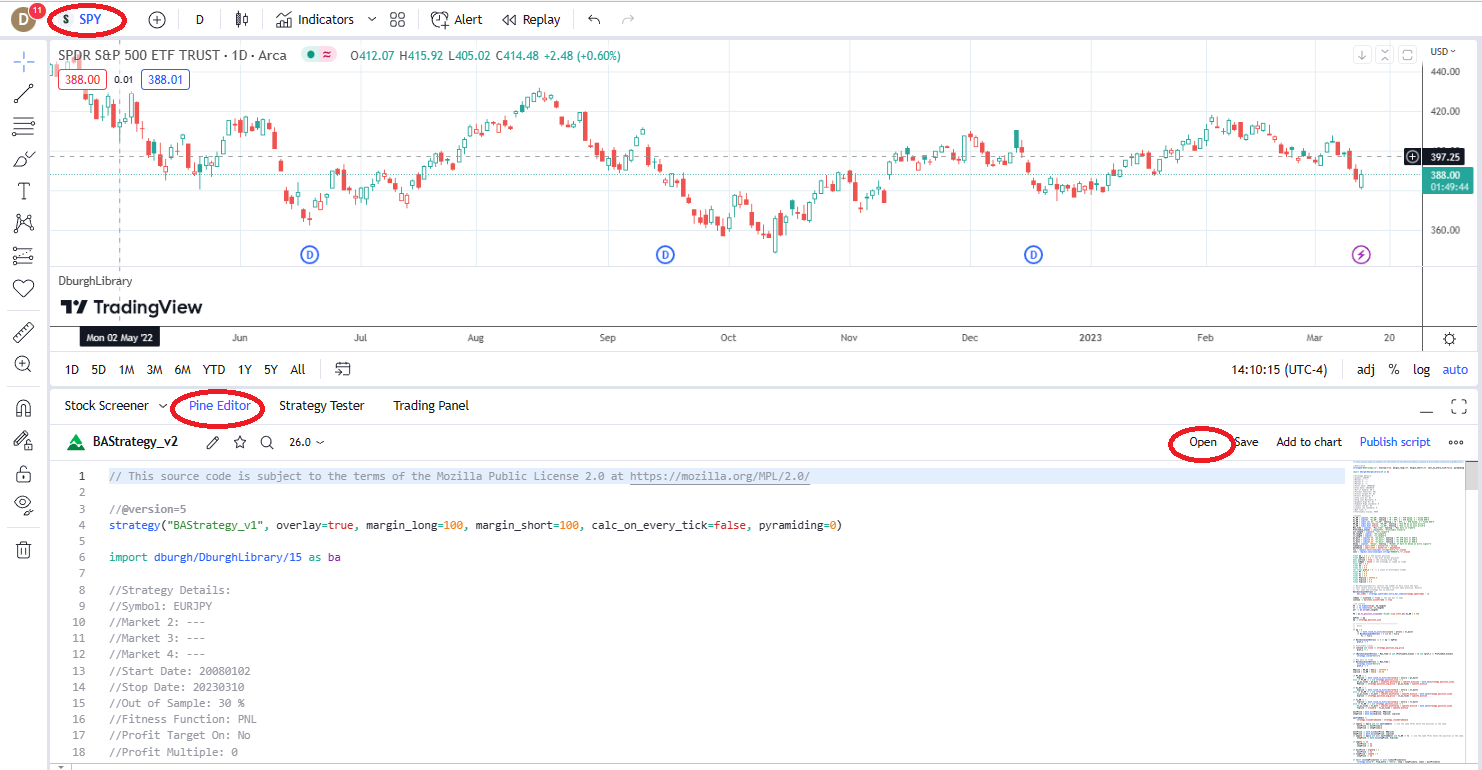
TradingView lets you code and backtest strategies using Pine Script — powerful and flexible. But Pine Script is not an automated strategy generation engine. It does not:
- Search thousands of rule combinations
- Run advanced robustness testing
- Perform walk-forward automation at scale
- Stress test across synthetic or perturbed data
That’s where most “strategy generators” fall short.
The Problem
Why Most TradingView Strategies Fail Live
It’s easy to create a beautiful equity curve. It’s much harder to create one that survives real markets.
Mistake 1
Over-Optimization (Curve Fitting)
If changing a 37-period MA to 36 destroys performance, you’re fitting noise. TradingView makes it easy to tweak parameters — it does not tell you whether the parameter region is stable.
Mistake 2
In-Sample Bias
Build, optimize, and evaluate on the same dataset. This inflates performance. Without proper out-of-sample testing, you’re evaluating what you trained on.
Mistake 3
Single-Regime Performance
A breakout strategy may thrive in trends and collapse sideways. If you don’t test across bull, bear, high-vol, and low-vol, you don’t know what you built.
Mistake 4
Ignoring Execution Reality
Slippage, commissions, partial fills matter — especially for intraday systems, scalping strategies, and futures accounts.
The Solution
How to Generate Better TradingView Strategies
A true strategy generator workflow — from concept to deployment.
1
Clear Concept
Trend following, mean reversion, breakout, seasonal. Complexity is not edge. Repeatability is edge.
2
Generate Variations
Define signal building blocks. Generate multiple rule combinations. Evaluate objectively — not one idea at a time.
3
Robustness Testing
Out-of-sample, walk-forward, Monte Carlo, noise testing, parameter stability, randomized splits.
4
Export to Pine Script
Visualize signals on TradingView charts. Use alerts. Monitor in real-time. TradingView becomes deployment — not your research engine.
Key robustness tests Pine Script doesn’t automate:
Out-of-Sample
Unseen data validation
Walk-Forward
Rolling train/test windows
Monte Carlo
Trade reshuffling
Noise Test
Data perturbation
Vs Random
Baseline comparison
Parameter Stability
Broad region testing
If a strategy fails basic robustness checks, it’s not unlucky — it’s fragile. See all 12+ tests →
Professional Workflow
BUILD ALPHA + TradingView
Build Alpha functions as a TradingView strategy generator by searching through thousands of rule combinations, ranking strategies on objective metrics, and preventing emotional attachment to one idea.
- Generate strategies with objective rule searches
- Stress test with 12+ robustness filters
- Eliminate unstable parameter regions
- Export stable logic into Pine Script — one click
- Validate execution and assumptions
This prevents you from falling in love with the first pretty equity curve.
New in v3
Connect AI to Drive BUILD ALPHA
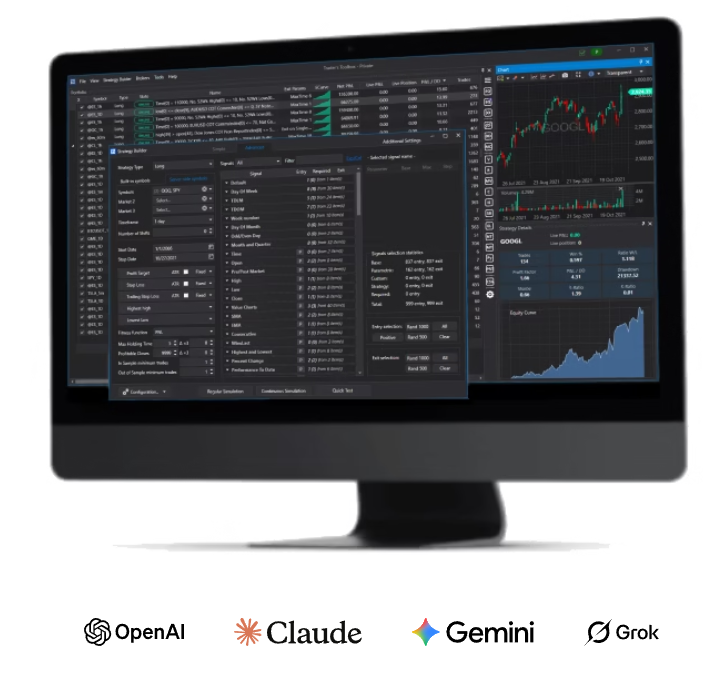
Connect your preferred AI model — ChatGPT, Claude, Gemini, or Grok — and let it automatically configure Build Alpha’s inputs, generate strategies, and iterate on results. AI handles the research loop while Build Alpha handles the validation.
- AI selects signals, markets, and parameters
- Build Alpha runs generation + robustness tests
- AI reviews results, adjusts, and re-runs
- Survivors exported to Pine Script (or any platform)
The Intelligence Report feature reviews all your saved strategies and suggests improvements — trained on thousands of strategies and market environments.
Example
From BUILD ALPHA to TradingView
A real walkthrough: custom signal → strategy generation → Pine Script export → matching results.
1. Create a Custom Signal (No Code)
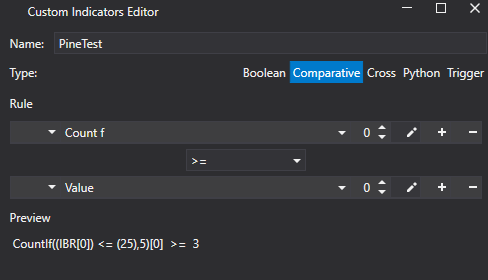
Using Build Alpha’s no-code signal editor, create a signal: “3 or more of the last 5 bars closed in the bottom 25% of their range.” Add an IBR filter and SMA trend filter. Let Build Alpha find the best combination.
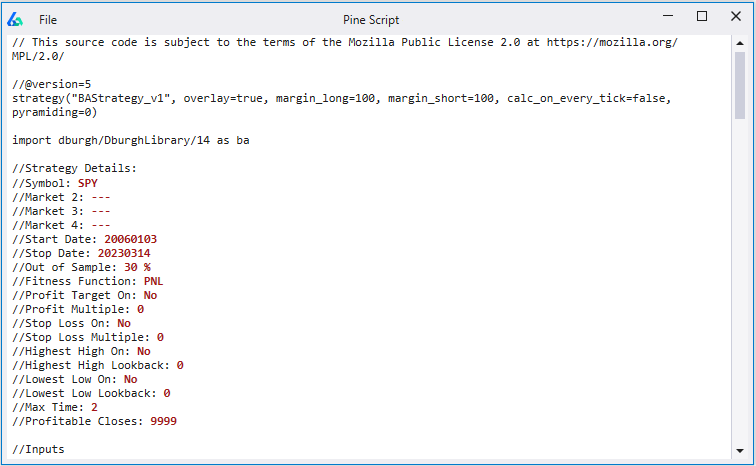
2. Generate & Export Pine Script
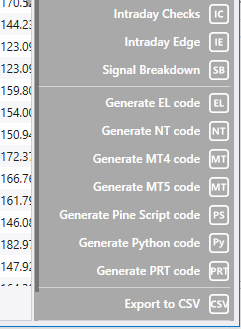
Hit Simulate. Review variations. Click any strategy, then press Generate Pine Script Code. Build Alpha outputs complete code — including custom indicators — ready to paste into TradingView’s Pine Editor.
3. Matching Results Across Platforms
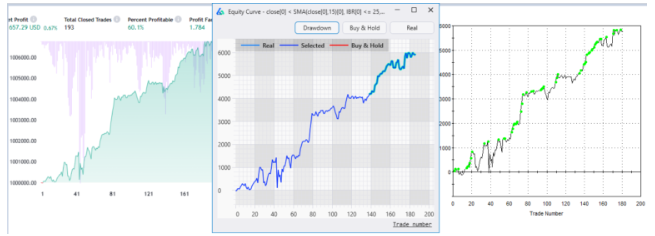
Strategy equity curve matching in TradingView, Build Alpha, and TradeStation.
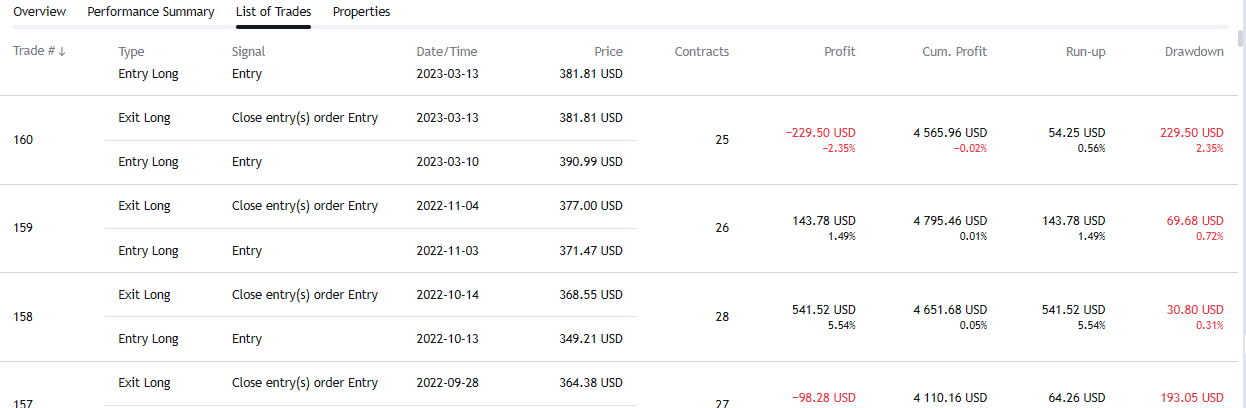

Last four trades — exact match in trade size, entry, exit, and P&L.
Quality Check
What Makes a Good TradingView Strategy?
A strong strategy is rarely flashy. It is usually:
- Simple and explainable
- Stable across nearby parameter values
- Consistent out-of-sample
- Robust to slippage and data noise
- Designed for a specific market condition
If your strategy only works on one ticker, one year, one volatility regime — you must know its limits before trading live.
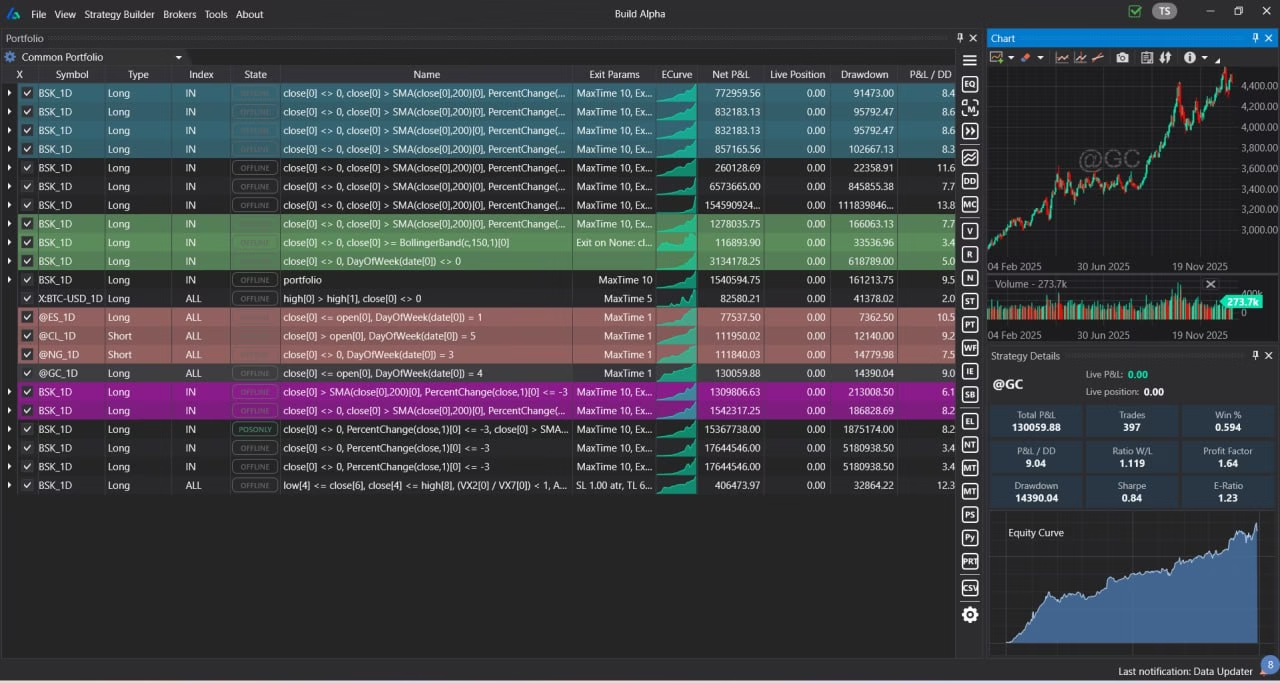
Build Alpha Dark Mode
See It In Action
Video Walkthrough
Watch the full workflow — from strategy generation to Pine Script export.
Questions
TradingView Strategy Generator FAQ
Can I build strategies in TradingView without coding?
You can use indicators and alerts, but full strategy backtesting requires Pine Script. If you don’t want to code, a no-code strategy generator that outputs Pine Script can bridge that gap.
Is Pine Script enough to build profitable strategies?
Pine Script is a programming language. Profitability depends on concept quality, execution assumptions, and robustness validation. The language itself doesn’t create edge.
What is the best TradingView strategy generator?
The best solution generates variations objectively, tests for robustness, validates out-of-sample performance, and exports reliable Pine Script. Build Alpha was designed for exactly this workflow.
Want a Strategy Generator
That Focuses on Robustness?
Generate rule-based strategies. Stress test with professional tools. Export Pine Script. Deploy with confidence.